Mutual funds.Invest on a schedule.
Start a SIP or invest a lump sum across equity, debt, hybrid and solution-oriented schemes — from the Pocket app on your phone or the Pocket Web terminal on a laptop, with one consolidated portfolio view.
ATS lets you invest in mutual funds by SIP or lump sum across equity, debt, hybrid, solution-oriented and other categories, from the Pocket app or the Pocket Web terminal. Funds sit in the same account as your stocks, so you get one login and one consolidated portfolio view, and there is a separate screener for exchange-traded funds including NSE gold and silver ETFs.
- Android
- iOS
- Web browser
Apply from the phone, research on the laptop
The screener, category pages and scheme detail read best on a bigger screen. Starting or stopping a SIP takes a couple of taps in the Pocket app. Both write to the same folio.
- Android
- iOS
- Web browser
Features
Everything Mutual funds gives you, and where each piece of it lives.
SIP or lump sum
Set up a systematic investment plan on a date that suits your salary, or put money in as a one-off. Pause, change the amount or stop from the same screen.
- Pick your own SIP date
- Change or pause any time
- Lump-sum investing too
Every category, screened
Equity, debt, hybrid, solution-oriented and other schemes, with a screener that filters on the things that actually decide a shortlist.
- Equity · Debt · Hybrid
- Solution-oriented and other
- Filter and compare
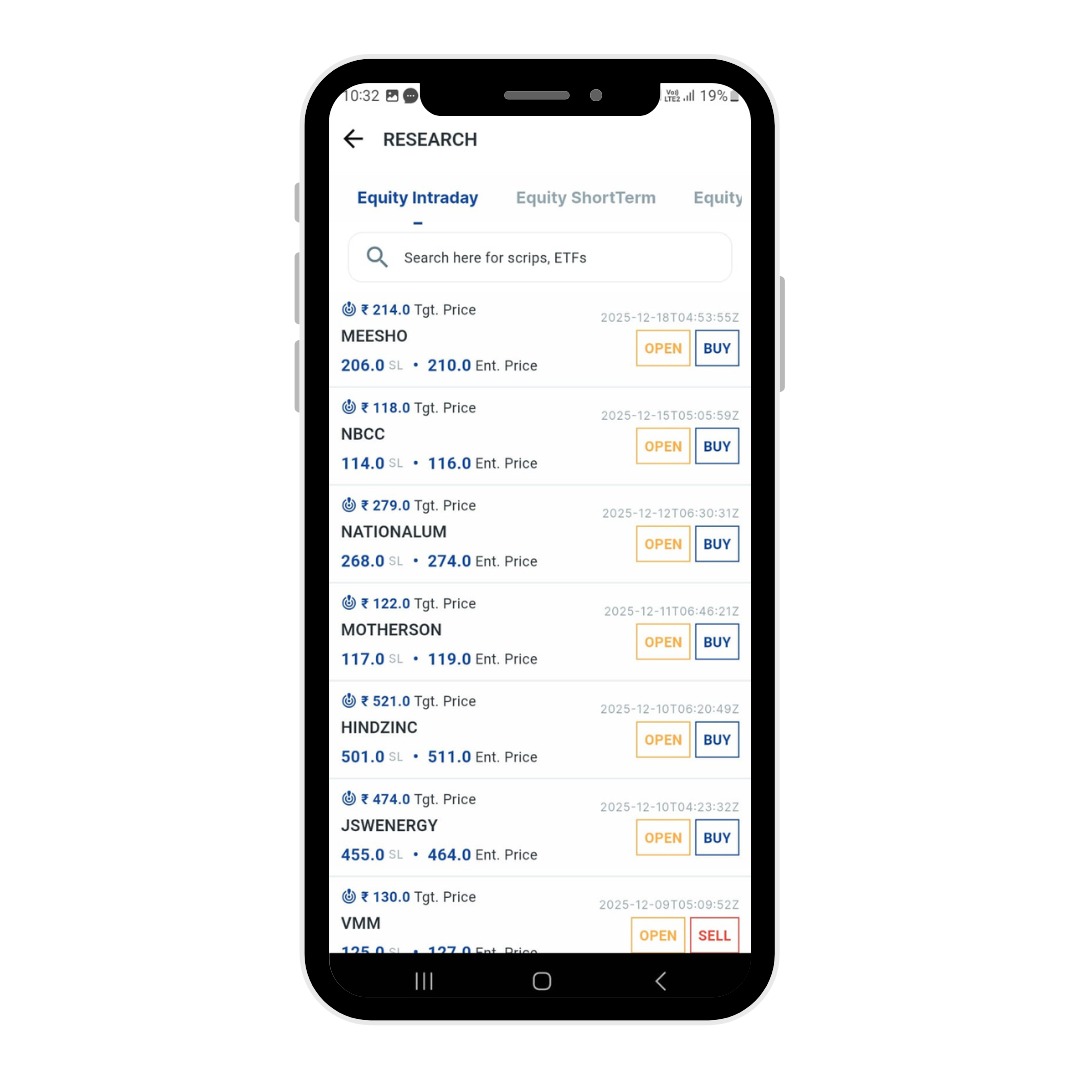
ETFs, screened the same way
A separate ETF screener for exchange-traded funds, including the gold and silver ETFs listed on the NSE.
- ETF screener
- Gold and silver ETFs
- NAV and trailing returns
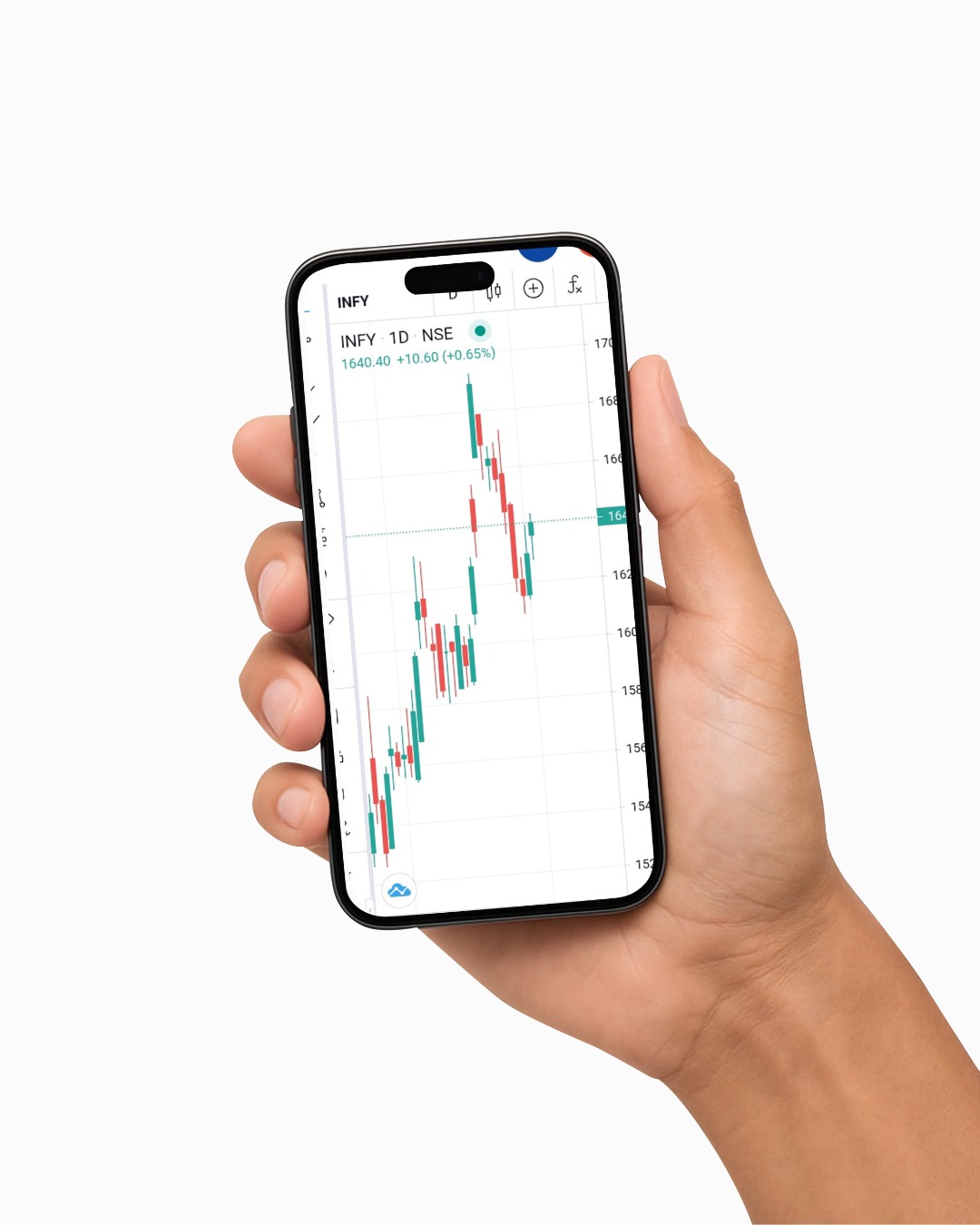
One portfolio view
Funds sit alongside your stocks and holdings in the same account, so the portfolio you look at is the whole portfolio.
- Consolidated holdings
- Returns over time
- Reports in Axon
How to use it
From a standing start to your first order, in 6 steps.
- 01
Open an ATS account
Paperless KYC online. One account covers stocks, funds and everything else.
- 02
Find a scheme
Use the screener, browse by category, or search a fund or AMC by name.
- 03
Read the detail
Check the scheme page — objective, holdings, NAV history and trailing returns.
- 04
Choose SIP or lump sum
Pick an amount, and for a SIP a date that suits you.
- 05
Invest
Confirm from the Pocket app or Pocket Web; funds are debited from your linked bank.
- 06
Track it
Follow the folio in your portfolio, and pull statements from Axon.
- Platforms
- Pocket app · Pocket Web
- Modes
- SIP · Lump sum
- Categories
- Equity · Debt · Hybrid · Solution-oriented · Other
- Also
- ETF screener
Explore other products
Start with Mutual funds
One free ATS account covers every product on this site. Paperless KYC, and you can be trading the same day.
Questions, answered.
Yes. You can start a systematic investment plan on a date of your choosing, from the Pocket app or the Pocket Web terminal, and change, pause or stop it later.
No. Mutual funds sit in the same ATS account as your stocks, so you get one login and one consolidated portfolio view.
Equity, debt, hybrid, solution-oriented and other schemes, across the AMCs listed on the ATS mutual fund hub.
Yes. ETFs — including gold and silver ETFs listed on the NSE — are traded like shares from the same account, and there is a dedicated ETF screener to find them.
Yes. The Pocket app supports both SIP and lump-sum investing, and the same folios appear on the Pocket Web terminal.