Pocket Web.A terminal, no install.
Everything Pocket does on the phone, on a desktop or laptop screen — watchlists, advanced charts, live market depth and a fast order ticket. Nothing to download: log in and trade.
Pocket Web is the ATS browser-based trading terminal for desktop and laptop. It needs no installation or plugin: you sign in with your existing ATS account and get live watchlists, level-2 market depth, advanced charts and a fast order ticket across equity, F&O, currency and commodity.
- Web browser
- Windows desktop
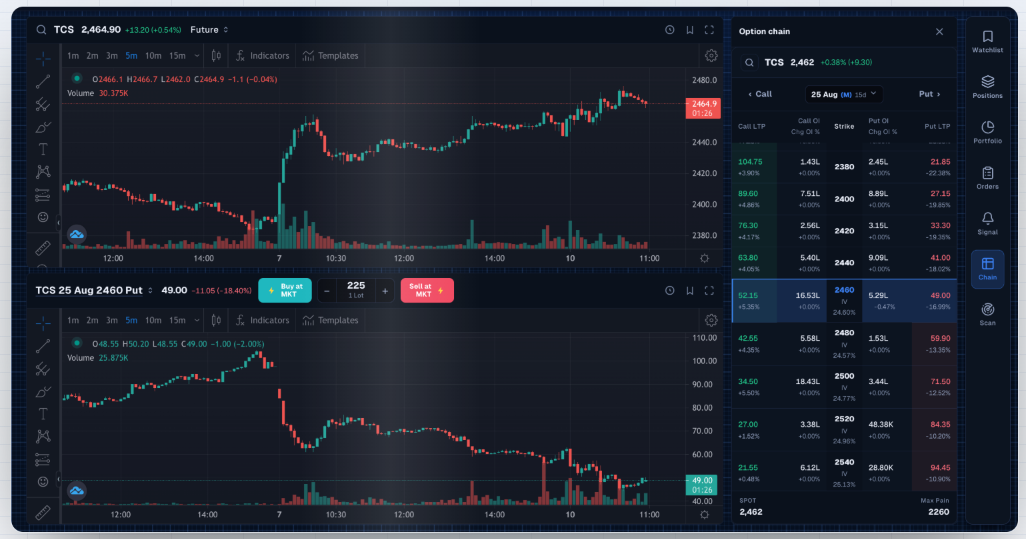
Desktop and laptop, in any browser
Pocket Web runs in the browser you already have. There is no installer, no plugin and no separate password — it is the same ATS account, opened with the same login.
- Web browser
- Windows desktop
Features
Everything Pocket Web terminal gives you, and where each piece of it lives.
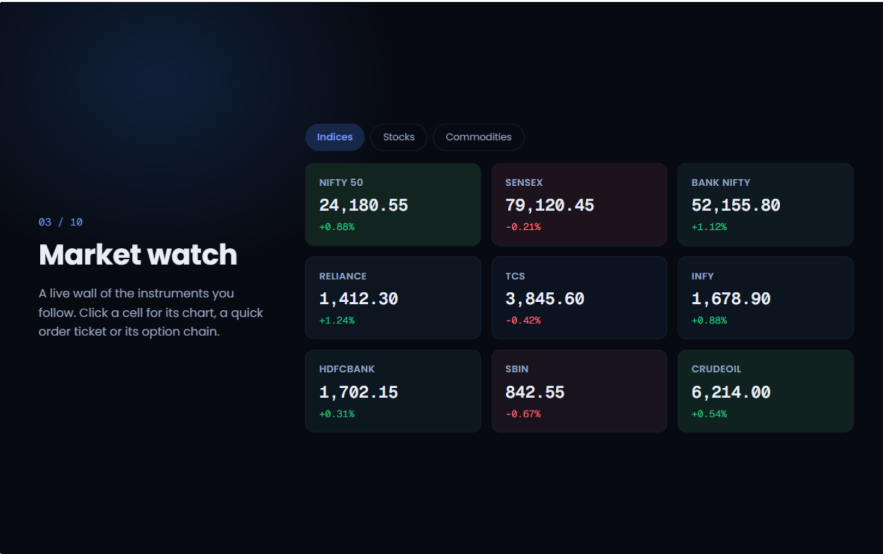
Multi-Segment Market Watch
Track live quotes across equity, F&O, currency and commodity with the best five buy and sell orders on every symbol.
- Multi-segment market watch
- Level 2 depth
- Live quotes through the session
Advanced Multi-Timeframe Charting
Multiple timeframes from one minute to monthly, extensive technical indicators, and drawing tools for precision technical analysis.
- 1-minute to monthly
- Moving averages, RSI, MACD and more
- Drawing tools
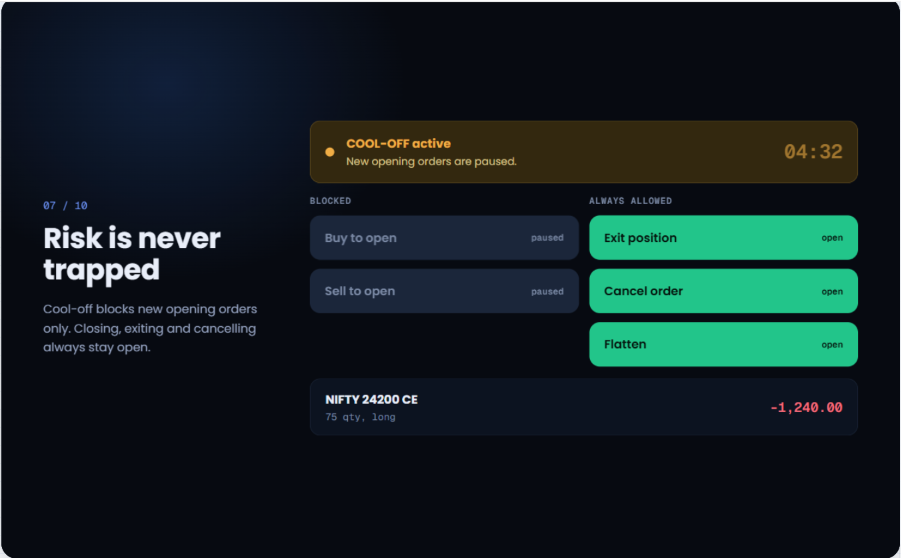
Interactive Option Chain & Quick Execution
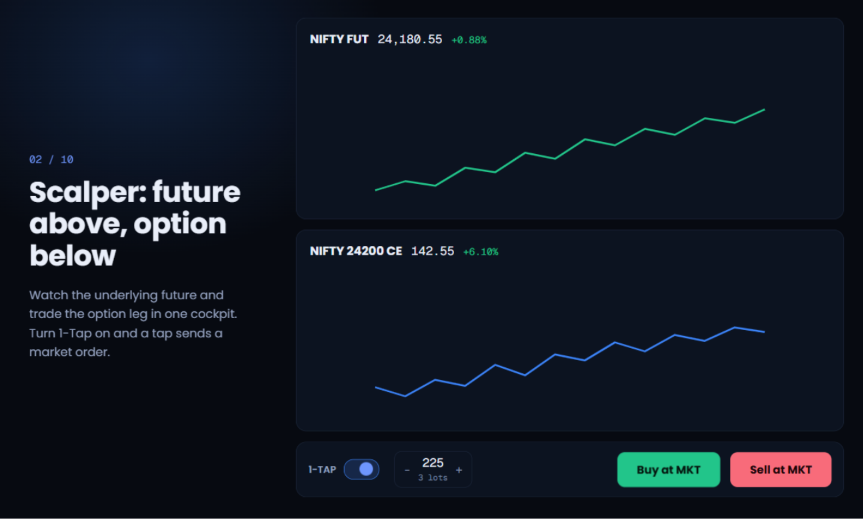
Real-time strike chains with Greeks, Open Interest (OI) analysis, and instant 1-click order execution for index and stock derivatives.
- Real-time Option Chain
- OI & Greeks analysis
- 1-click order execution
A Fast Order Ticket
Market, limit and stop-loss orders from anywhere on the screen, so you can enter or exit without hunting for a button.
- Market, limit, stop-loss
- Order and trade book
- Positions and holdings in one view
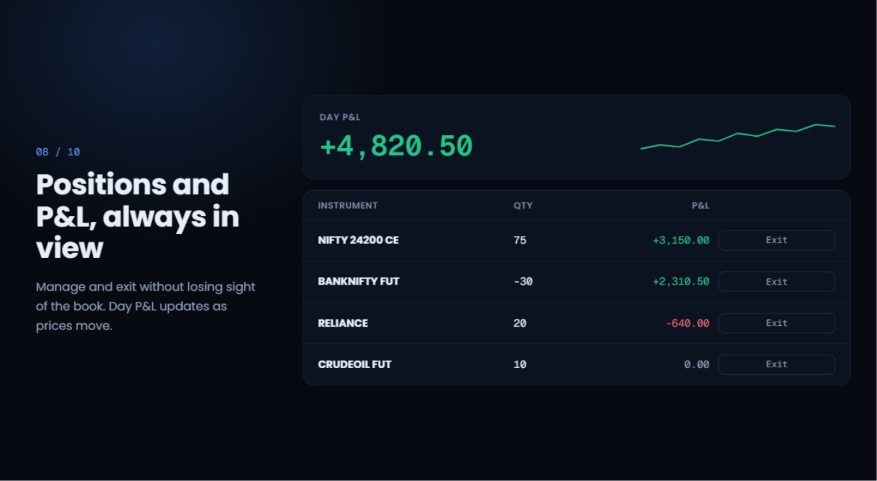
One Account, Every Screen
Positions, funds and holdings are the same records the Pocket app reads. Start an order on the desktop and manage it from the phone.
- Single login
- Shared funds and positions
- No separate registration
How to use it
From a standing start to your first order, in 6 steps.
- 01
Open an ATS account
Paperless KYC online, or sign in if you already trade with ATS.
- 02
Sign in on the web
Open Pocket Web from this page. Your existing ATS credentials are all you need.
- 03
Set up your layout
Build watchlists and arrange charts, depth and the order book the way you work.
- 04
Add funds
Transfer via UPI or net banking; the balance is shared with the Pocket app.
- 05
Trade
Place market, limit or stop-loss orders across equity, F&O, currency and commodity.
- 06
Review
Check the order book, positions and P&L, and pull detailed reports in Axon.
- Platforms
- Any modern browser
- Install
- None
- Segments
- Equity · F&O · Currency · Commodity
- Login
- Your ATS account
Explore other products
Start with Pocket Web terminal
One free ATS account covers every product on this site. Paperless KYC, and you can be trading the same day.
Questions, answered.
No. Pocket Web runs in any modern browser on a laptop or desktop — there is no installer, plugin or extension.
No. It is the same ATS account with the same login, funds, positions and holdings. You can start on one and continue on the other.
Equity, futures & options, currency and commodity, across NSE, BSE and MCX.
Yes. Launching the terminal requires a signed-in ATS account; you will be taken to the login page first if you are not signed in.
Pocket Web runs in the browser with nothing to install. XTS is a dedicated desktop terminal with customisable multi-window layouts, aimed at high-frequency active traders.