Commodity.Metals, energy, live.
Trade gold, silver, crude oil and natural gas futures on MCX and NCDEX, and hold gold and silver ETFs on the NSE — with live prices in the Pocket app and the Pocket Web terminal through the whole session.
Commodity trading with ATS covers gold, silver, crude oil, natural gas and copper futures on MCX and NCDEX, in both full and mini contract sizes. Commodity is a segment you activate on your existing ATS account rather than a separate account, and live prices, market depth and the order ticket are available in the Pocket app and the Pocket Web terminal through the whole MCX session, which runs into the evening.
- Android
- iOS
- Web browser
- Windows desktop
Live on the desk, live in your pocket
MCX runs late into the evening, which is exactly when you are away from a desk. The same live prices, depth and order ticket are on the phone as on the laptop.
- Android
- iOS
- Web browser
- Windows desktop
Features
Everything Commodity gives you, and where each piece of it lives.
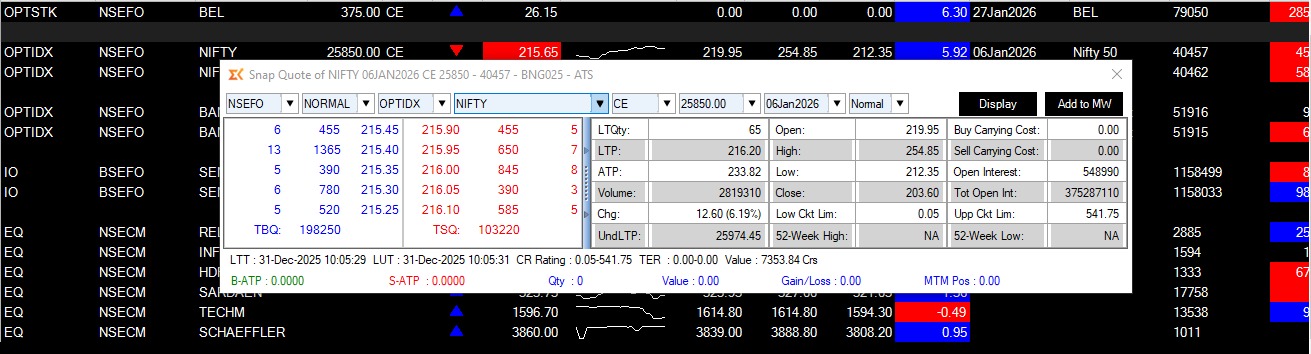
Metals
Gold and silver futures on MCX, in full and mini contract sizes, with live prices and market depth through the session.
- Gold and Gold Mini
- Silver and Silver Mini
- Live prices and depth
Energy
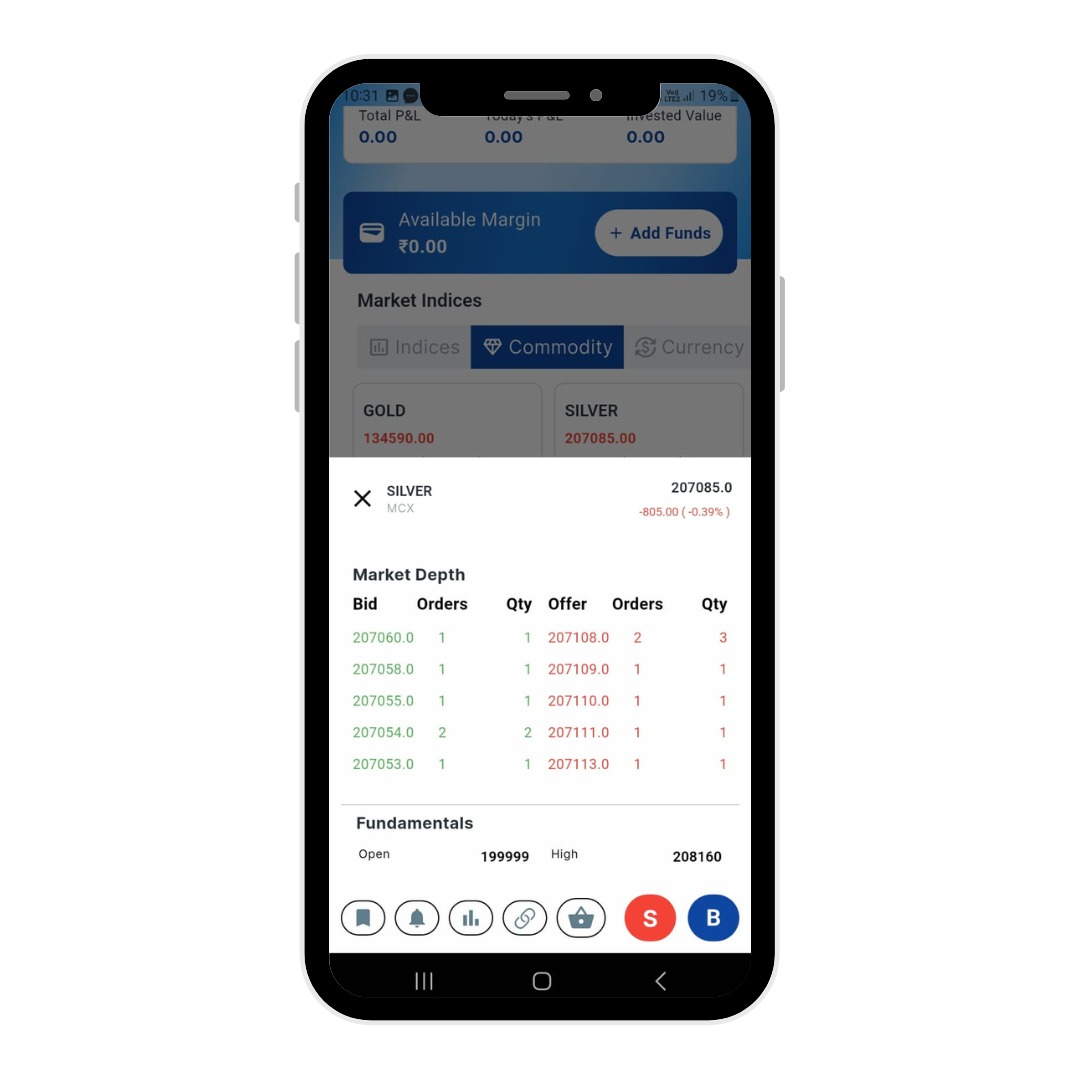
Crude oil and natural gas futures — the contracts that move most on global news, tracked live while the MCX session runs.
- Crude Oil
- Natural Gas
- Evening session coverage
Gold and silver ETFs
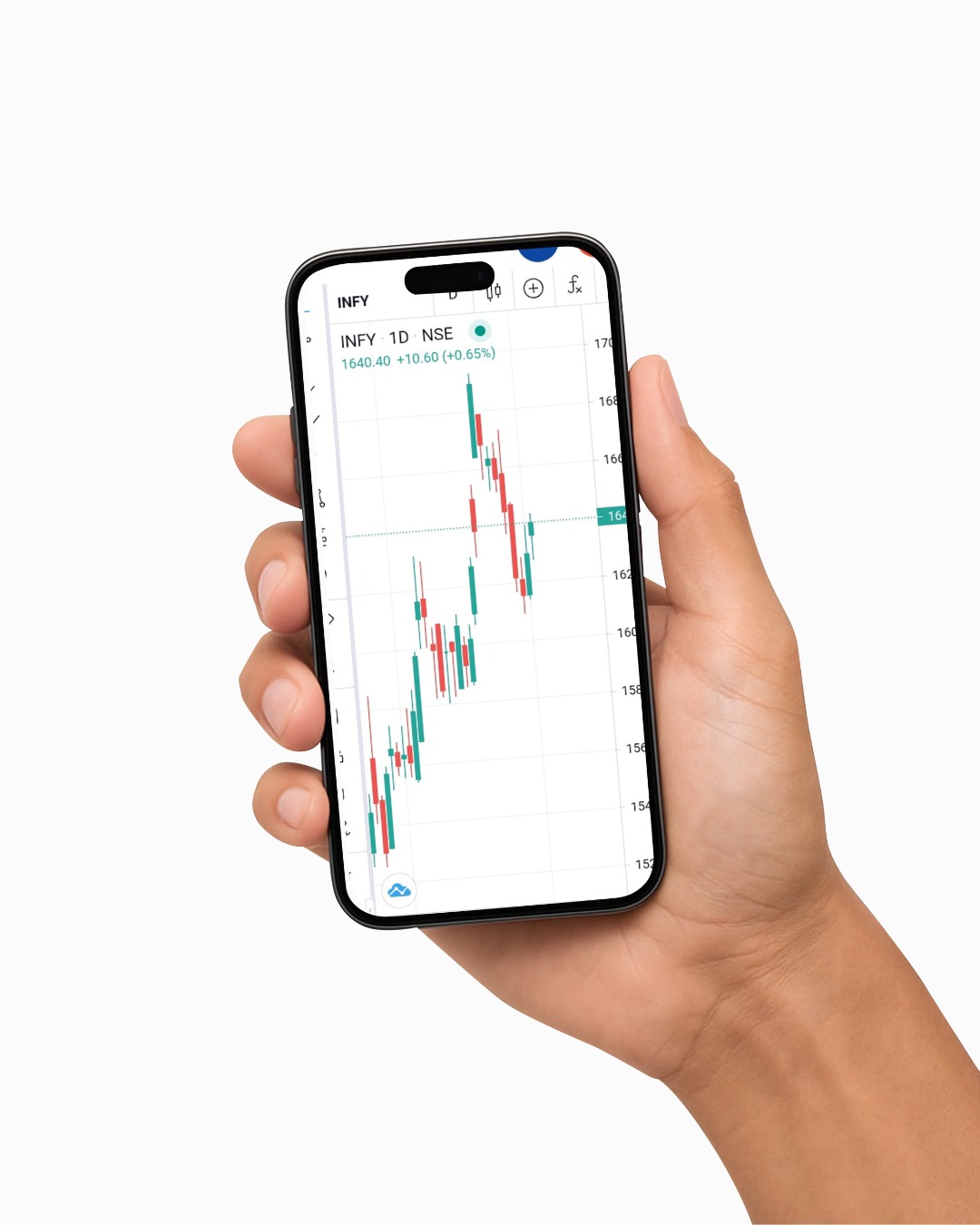
If you would rather hold the metal than trade the contract, gold and silver ETFs trade on the NSE like any share, from the same account.
- NSE-listed gold ETFs
- NSE-listed silver ETFs
- Live price, NAV and premium to NAV
Charts and analysis
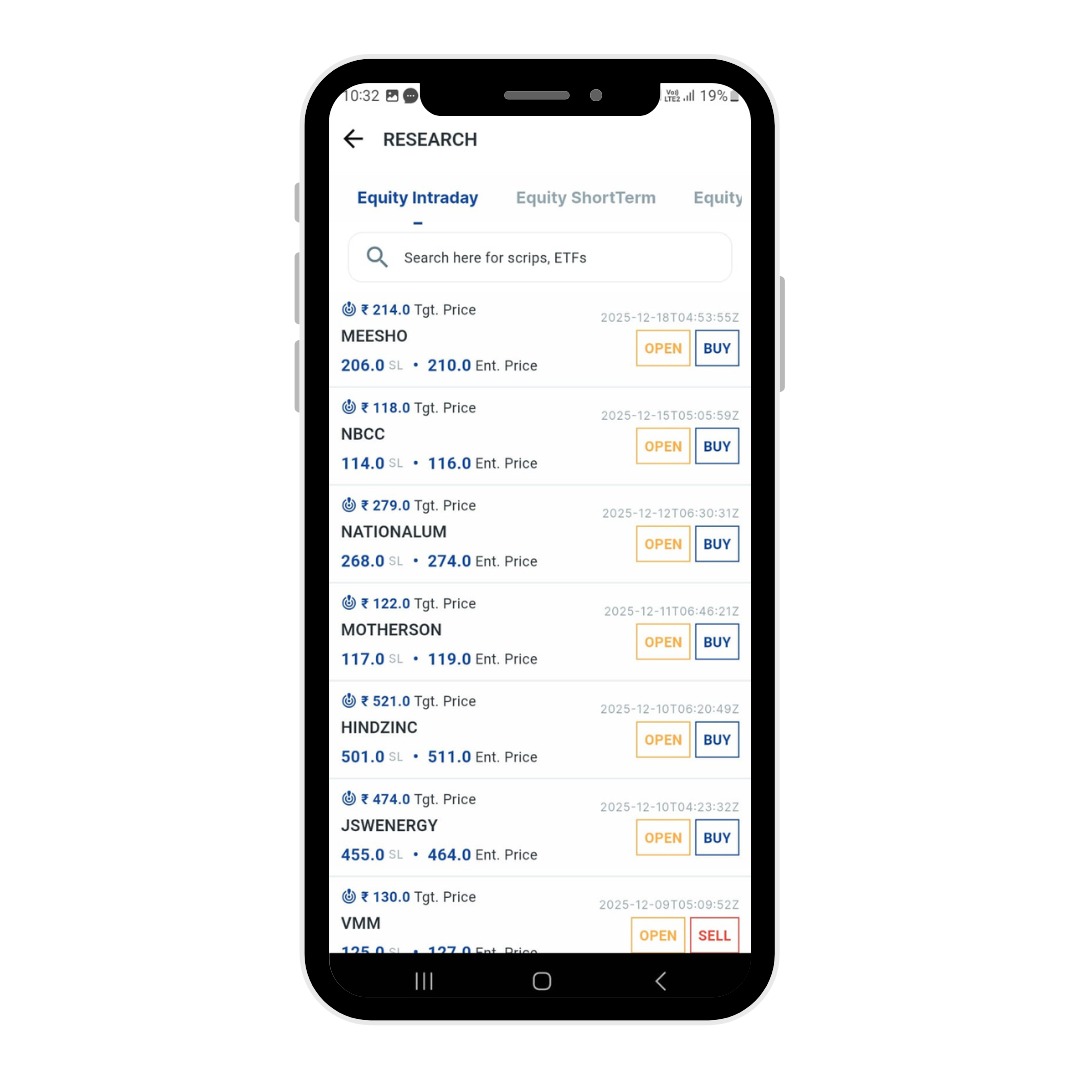
Multi-timeframe charts and technical indicators on every commodity contract, on the phone and in the browser.
- 1-minute to monthly
- Technical indicators
- Drawing tools
How to use it
From a standing start to your first order, in 6 steps.
- 01
Open an ATS account
Paperless KYC online with PAN, Aadhaar and bank details.
- 02
Activate commodity
Enable the commodity segment on your account.
- 03
Add funds
Transfer via UPI or net banking, or pledge eligible securities for margin.
- 04
Pick a contract
Gold, Silver, Crude Oil, Natural Gas and the rest of the MCX and NCDEX list.
- 05
Place your order
Market, limit or stop-loss, from the Pocket app or the Pocket Web terminal.
- 06
Track the session
MCX runs into the evening — follow positions and MTM live until close.
- Exchanges
- MCX · NCDEX
- Contracts
- Gold · Silver · Crude Oil · Natural Gas
- Platforms
- Pocket · Pocket Web · XTS
- Also
- NSE gold & silver ETFs
- Commodity trading guideHow MCX trading works, end to end.
- Commodity market timingsSession hours for every MCX segment.
- Gold ETFsEvery gold ETF on the NSE, live.
- Silver ETFsEvery silver ETF on the NSE, live.
- Gold price todayToday's gold rate across cities.
- Commodity chargesBrokerage and statutory charges on MCX trades.
Explore other products
Start with Commodity
One free ATS account covers every product on this site. Paperless KYC, and you can be trading the same day.
Questions, answered.
Gold, Gold Mini, Silver, Silver Mini, Crude Oil, Natural Gas and Copper among others, across MCX and NCDEX.
Yes. The Pocket app carries live commodity prices, market depth and the order ticket, and the same positions appear on the Pocket Web terminal.
A gold ETF is an NSE-listed fund you hold like a share, priced close to the gold NAV. A gold futures contract is a leveraged MCX contract with a fixed lot size and an expiry date.
No. Commodity is a segment on your existing ATS account — you activate it rather than open something new.
MCX runs an evening session well past equity market hours. Exact timings by segment are on the commodity market timings page.