UPI / QR for Payments
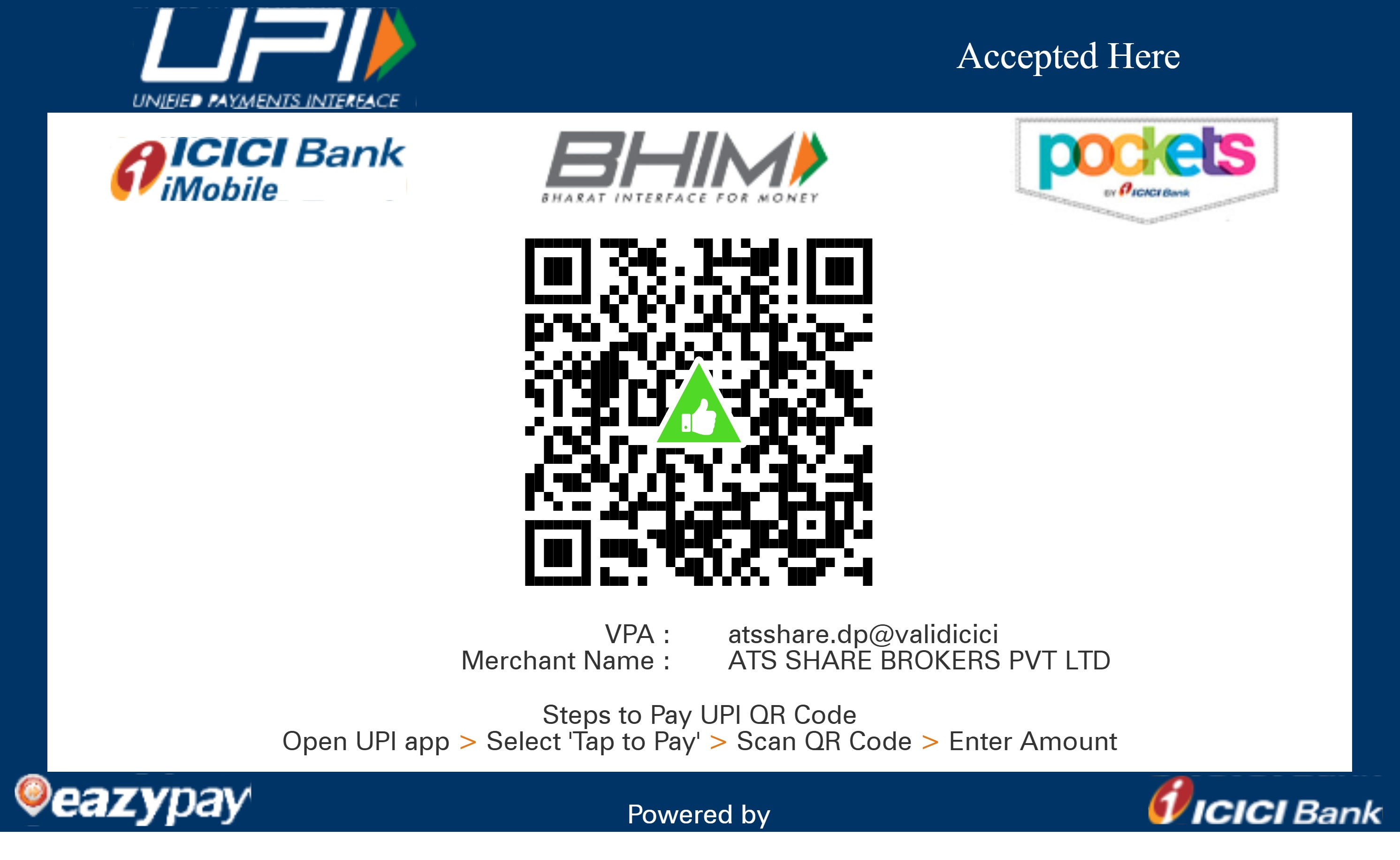
Scan the official ATS QR code below using any UPI app to transfer funds directly into your trading account.
How to Pay via UPI QR
Frequently Asked Questions
Open any UPI-enabled app (Google Pay, PhonePe, Paytm, BHIM, iMobile, or your mobile banking app), scan the official ATS QR code above, enter the amount, and pay strictly from your ATS-registered bank account.
No. Strictly as per SEBI regulations, funds must originate ONLY from the bank account registered with your ATS trading profile. Transfers from third-party or unregistered accounts will be rejected and refunded within 2 working days.
The standard limit is up to ₹1,00,000 per day as per NPCI/bank guidelines. For larger fund transfers, please use Net Banking, NEFT, RTGS, or IMPS.
No. ATS does not charge any convenience or gateway fees for adding funds via UPI QR.
Funds transferred via UPI QR typically reflect instantly in your ATS trading account ledger.